

Coachi — live voice coaching for runners

Simulated heart-rate coaching

142BPM

On target

Hold this effort.

Keep this comfortable effort.

Zone 2 targetExample target: 130 to 145 BPM. Your zones are personal.

Get started

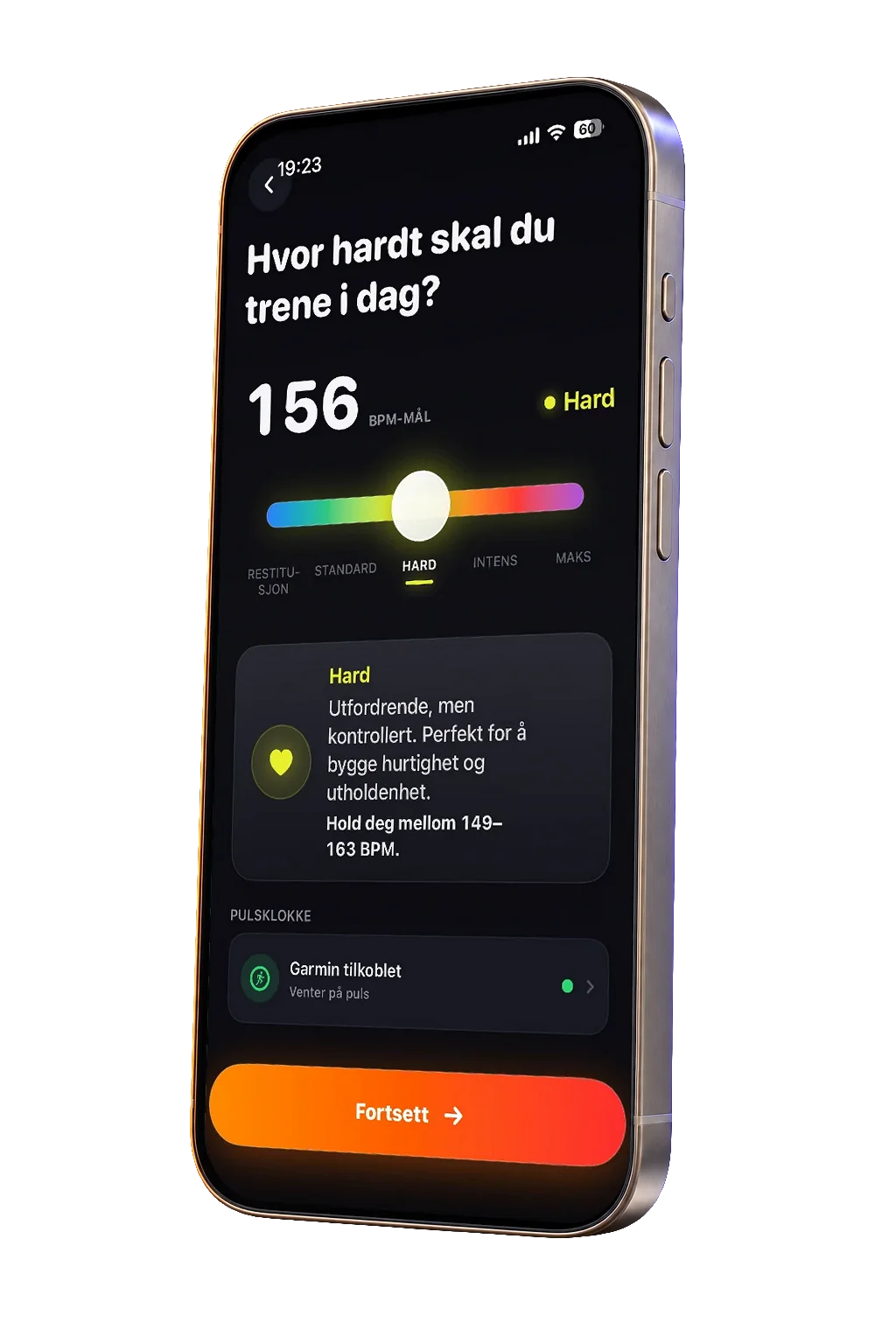
LIVE INTENSITY COACHING

Choose your intensity.Coachi helps you stay there.

Easy, conversational effort

A steady, comfortable effort for your easier runs.

Coachi helps you keep your easy run easy.

Drag the dial or choose a level.

BEFORE. DURING. AFTER.

One run.
With you, all the way.

A workout that fits. Guidance in the moment. A clearer picture afterward.

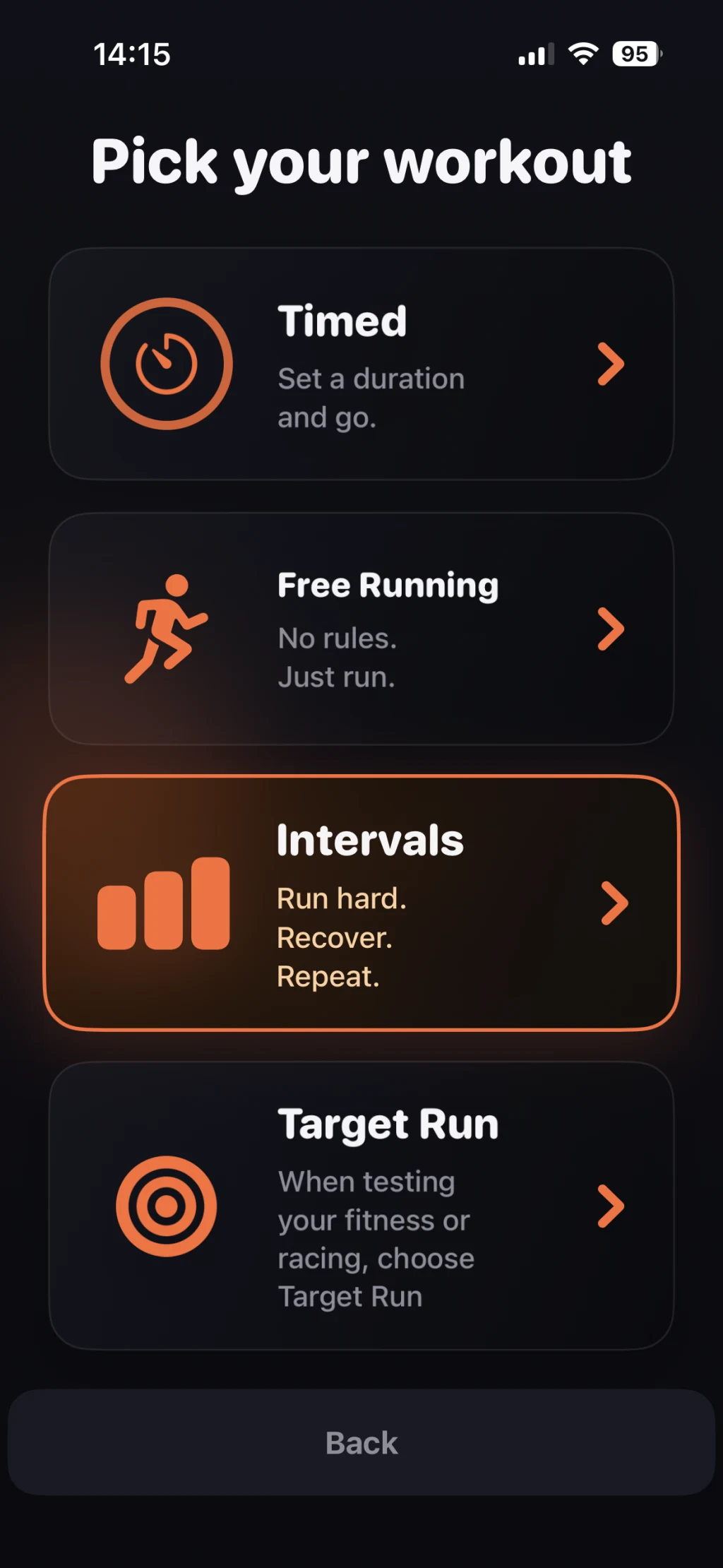
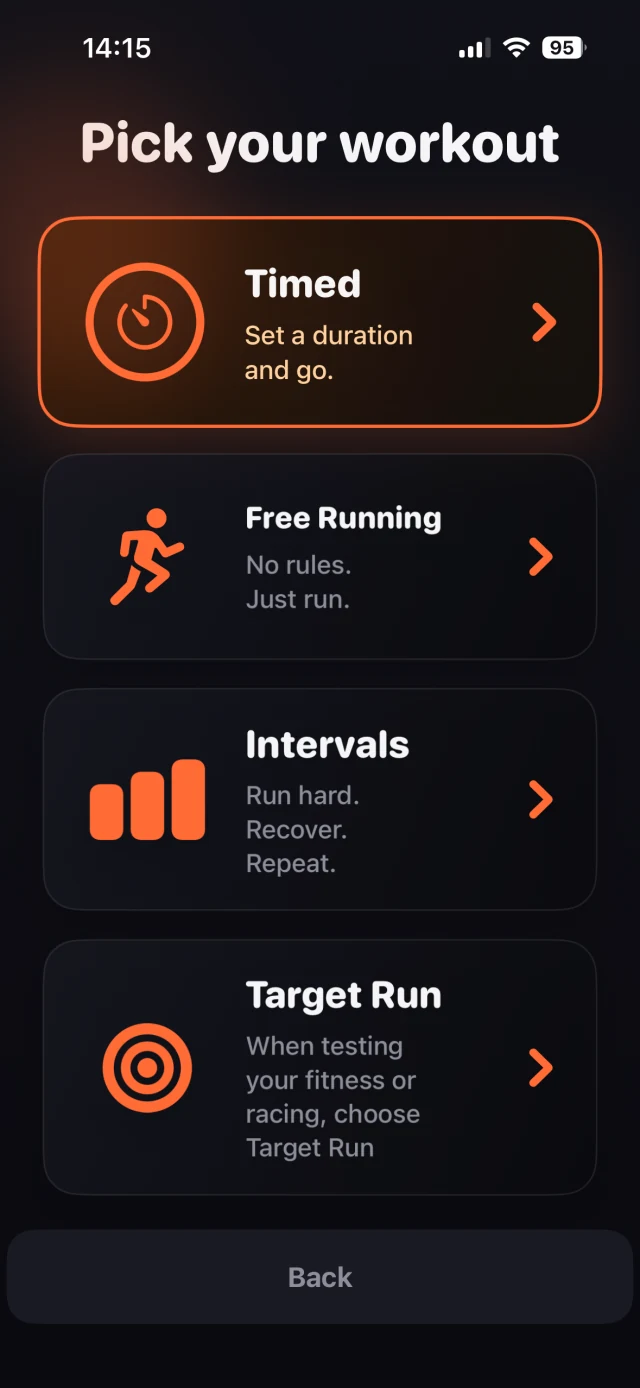
Coachi workout menu with Timed selected: set a duration and go.
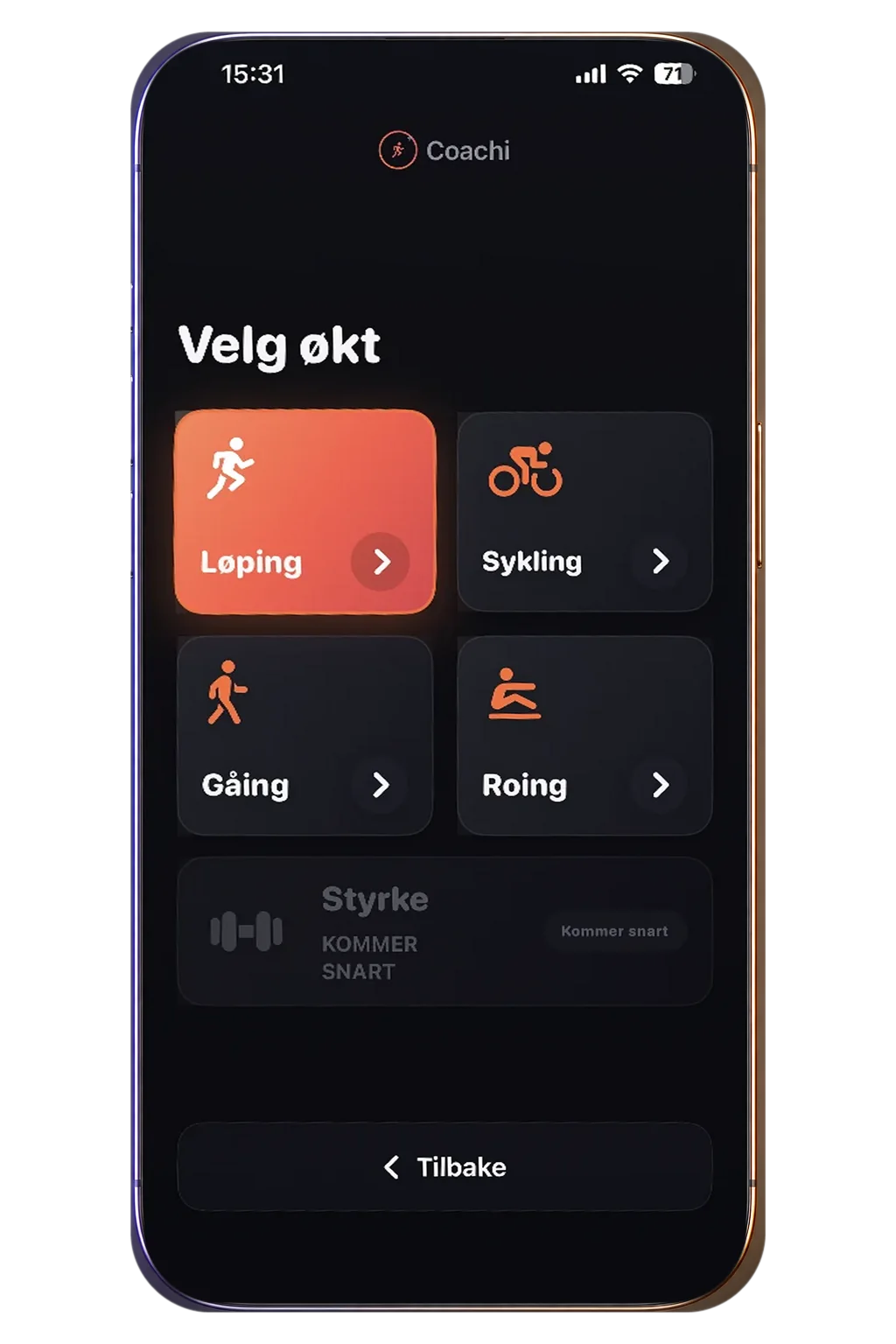
Choose your workout.
Preview unavailable.
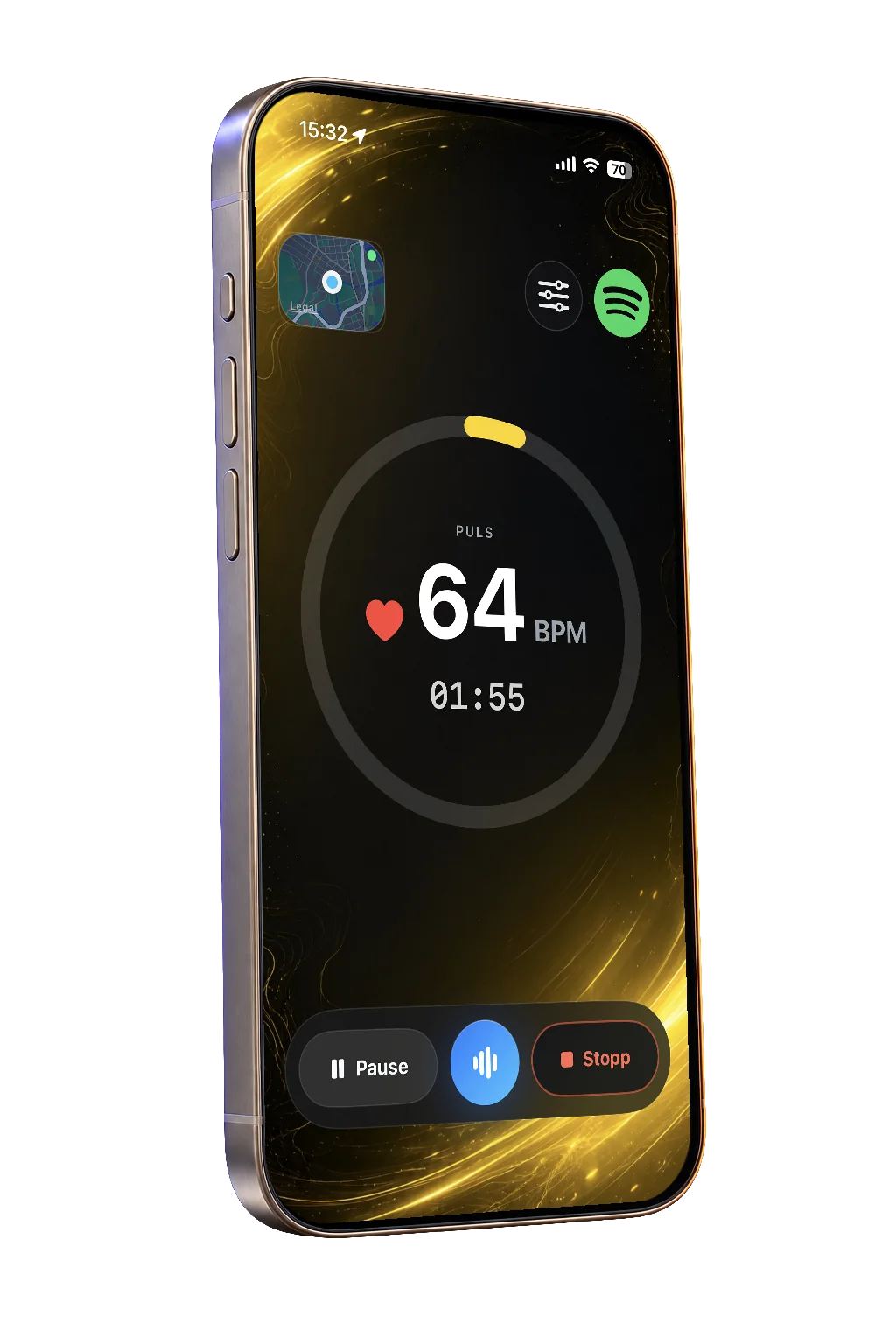
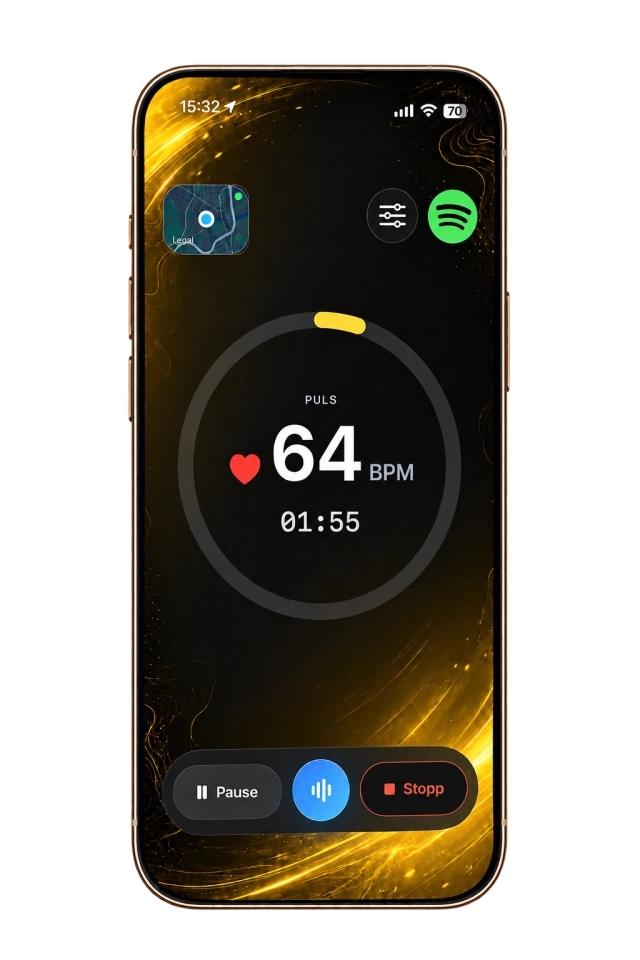
Coachi's active workout screen with heart rate, elapsed time and voice controls.
Hear your guidance.
Preview unavailable.
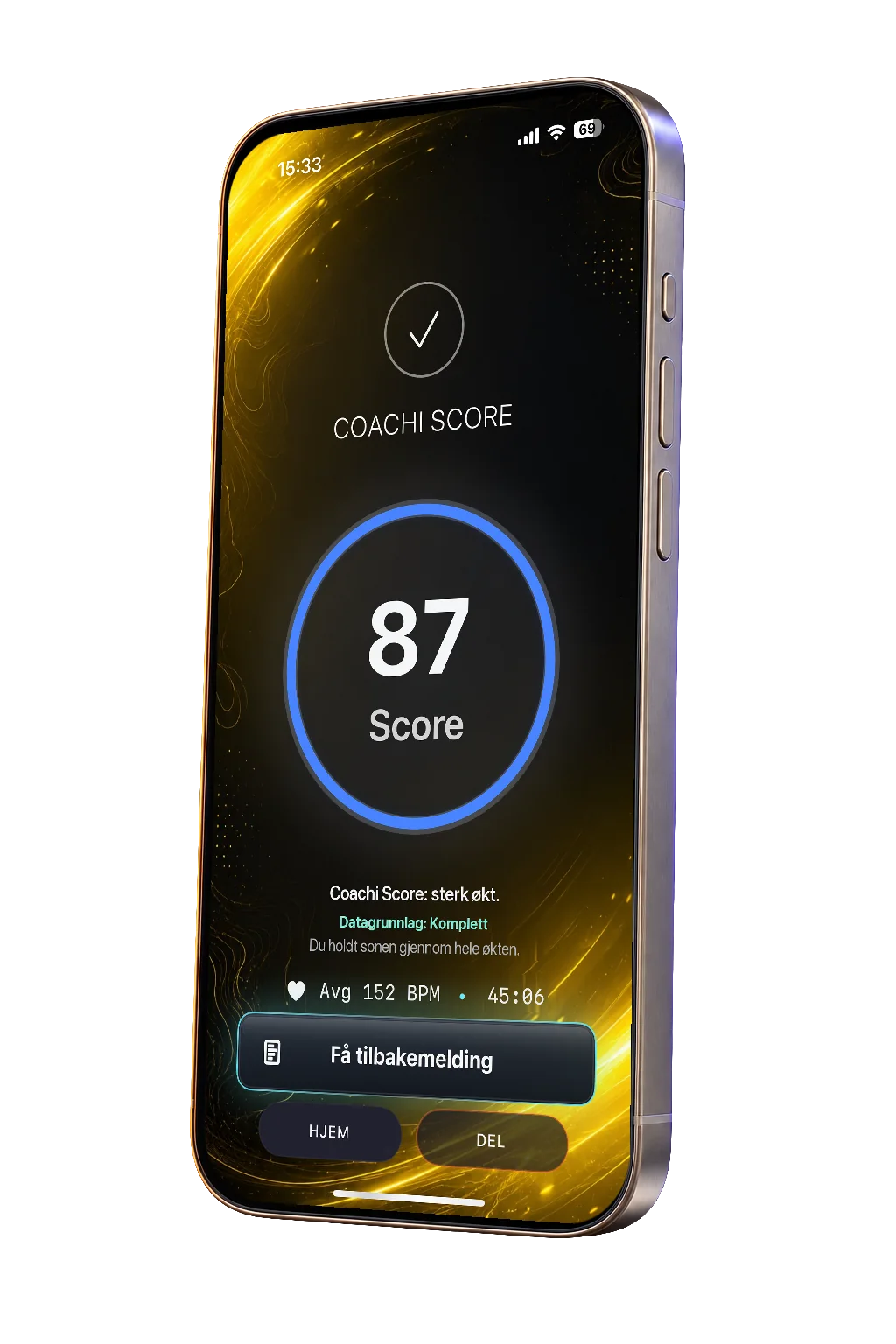
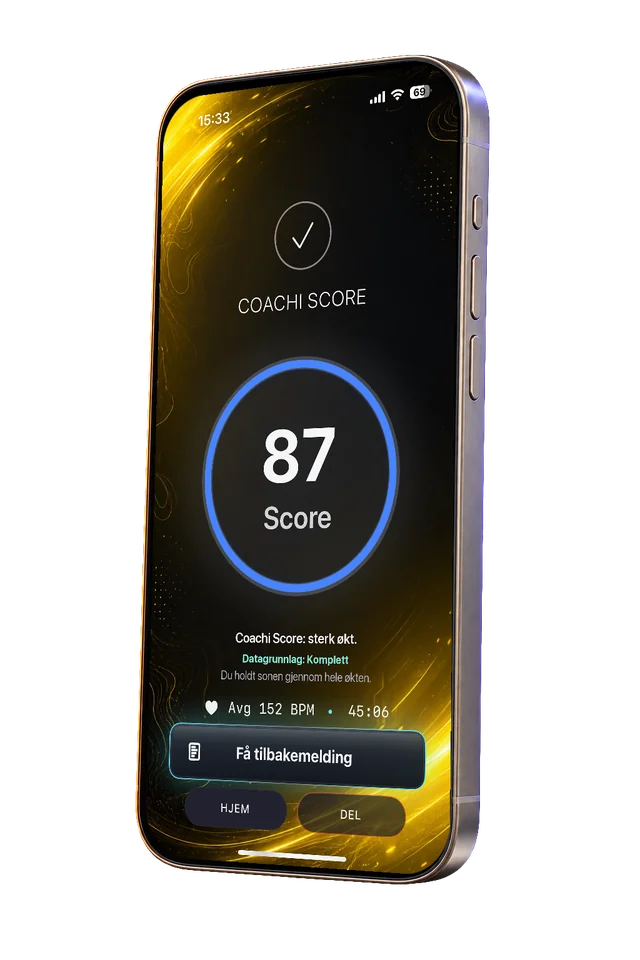
An example Coachi Score and post-workout feedback screen.
Understand your run.
Preview unavailable.

CHOOSE YOUR WORKOUT

Make it
your run.

Tap a workout on the phone to explore.

Set a duration and let Coachi guide your effort.

Guided workouts are free. No account required to start.

GUIDANCE IN THE MOMENT

Less watch.
More run.

Short voice cues turn your live heart-rate data into direction. Ease off above your zone, pick up below it, or hold steady when you’re on target.

MORE THAN A FINISH LINE

Know what
worked.

See how you held your effort, with feedback that gives your next run a clearer starting point.

Coachi Score is available when there is enough workout data. Screens show example workouts.

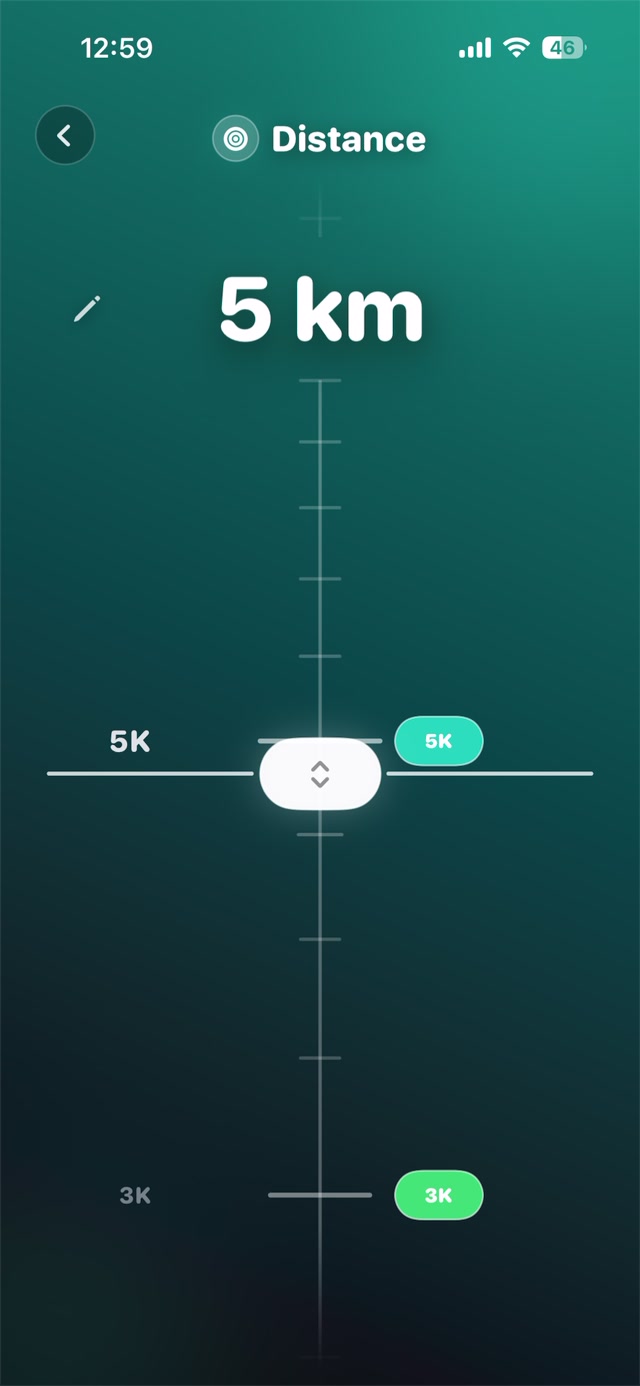
A silent recording of the distance ruler scrolling through options including 3 km, 5 km and 8 km. After choosing a distance, set your target finish time in Coachi.

RACE DAY. OR YOUR OWN CHALLENGE.

Up for a challenge?
Try Target Run.

A competitive run or a goal of your own. Set your distance and target finish time. Coachi works out the pace—and helps you stay on track.

Try Target Run
  1. Set a pace to aim for.

    Your chosen distance and finish time become your target pace.

  2. Know where you stand.

    Follow your progress and see whether you’re ahead, behind or right on target.

  3. Hear what to do next.

    Get pacing advice throughout your run, so you can adjust as you go.

CONNECT YOUR HEART RATE

Your watch.
Your coach.

Bring your heart rate into the run. Coachi turns your live pulse into guidance you can hear.

Keep your iPhone nearby for live coaching. Support varies by device and setup.

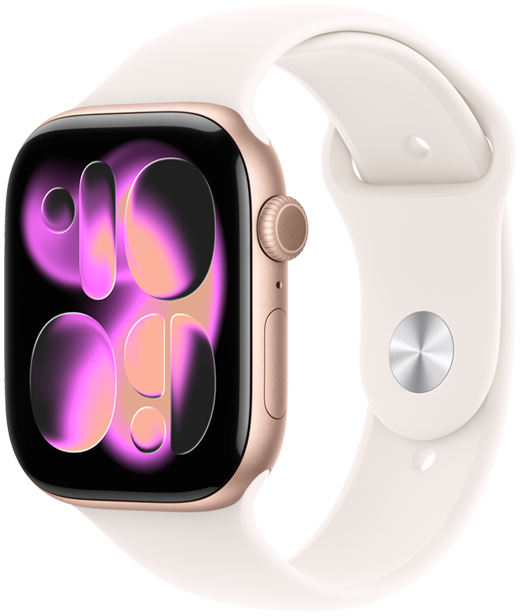
Apple Watch
Apple Watch Series 11 with a light sport band.
Heart rate. Wrist controls.

Live heart rate and workout controls on your wrist.

Coachi on your paired Apple Watch · watchOS 10+
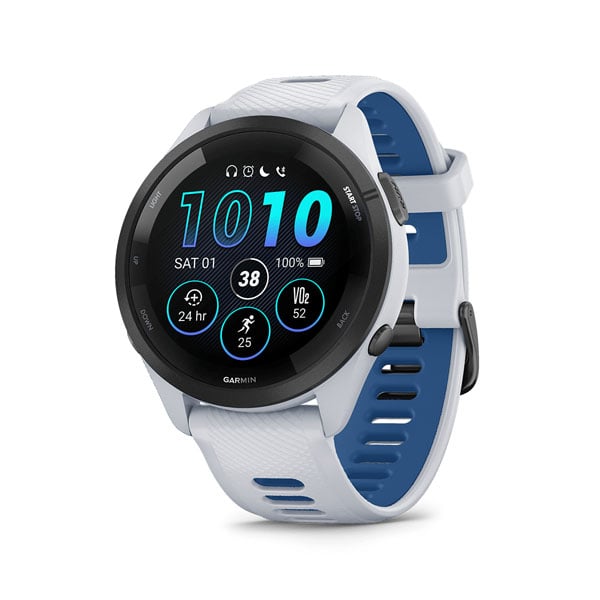
Garmin
Garmin Forerunner 265 with a white and blue band.
Your Garmin. Connected.

Live heart rate with Coachi Companion on supported Garmin Connect IQ watches.

Coachi Companion + nearby iPhone
Bluetooth sensors
Connect a compatible chest strap, armband or watch that broadcasts heart rate over Bluetooth.

A FEW THINGS BEFORE YOU GO

What’s free, and what needs Premium?

Guided workouts are free, with no account required to start. Live AI conversations require an account and Premium, and have usage limits. See the app for current Premium features and local prices before purchasing.

What do I need for live heart-rate guidance?

Connect a compatible Apple Watch, supported Garmin Connect IQ watch or Bluetooth heart-rate sensor. Garmin requires your phone nearby. Support varies by device and feature—check the connection options in Coachi. Without a live heart-rate source, guidance is based on your workout rather than a measured pulse.

Can I keep my music on? Do I need the microphone?

On iPhone, choose how workout coaching audio mixes with your music. Automatic cues do not require you to speak. Starting an AI conversation needs microphone permission and an internet connection; conversational audio may affect other playback.

Contact us

Have a question, need a hand, or want to share feedback? We’d love to hear from you.

support@coachi.no